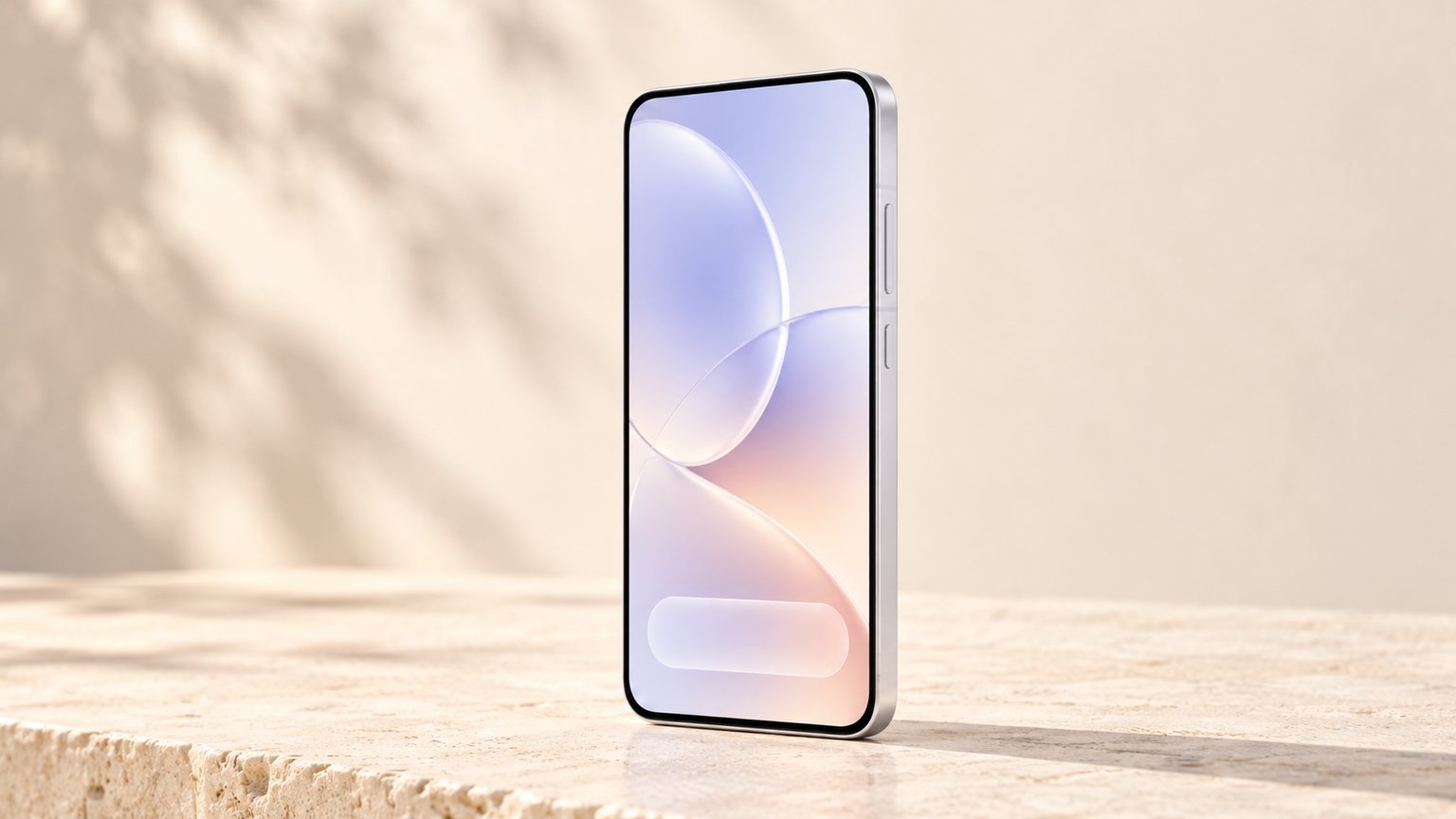
OPPO unveiled ColorOS 17 globally on 13 October 2026, after a first presentation in China in September. The update brings a new animated design, an AI assistant that can carry out tasks on its own, and performance gains measured by OPPO against ColorOS 16. The new Find X10 series ships with it, and the first existing phones are scheduled for this month.
The most useful question for OPPO owners in Algeria is simple: is my phone on the list, and when? The answer is further down.
A new design: Living Flow
OPPO calls the new look Living Flow Design, built on three ideas: light effects, fluid motion and flexible feedback. In practice, buttons, toolbars and notification panels visibly compress, stretch and bounce back under your finger, and the clock flows from the lock screen into the home screen. Early reviewers also report a navigation bar that now floats over content in many system apps.
Behind the animations, OPPO rebuilt how the system draws the screen and how it schedules apps. These are the gains OPPO measured in its own lab, compared with ColorOS 16:
- More stable app launches55%
- Faster gallery thumbnails on first launch (up to)50%
- Lower rendering load in key scenarios (up to)30%
- Less memory used for rendering (up to)25%
- More apps kept running in the background25%
OPPO lab figures, October 2026. OPPO's press release and website word some of them differently ("up to" or "over"). Not Nestphones tests.
OPPO also says that in a simulation of six years of use with storage 90% full, ColorOS 17 keeps more than 90% of its original smoothness. Real-world results will depend on the phone, so these are best read as OPPO's targets.
The AI features
The biggest addition is Agent Mode in AI Mind Pilot. Instead of only answering questions, it can act on your files and photos: find and rename them, sort pictures into albums, or prepare an itinerary or a presentation. It is built with Manus and also supports ChatGPT, and it asks for permission before sending anything off the phone. A free allowance is included; after that, you sign in with your own ChatGPT or Manus account.
Other features in the official ColorOS 17 overview:
- AI Photo Agent: edit photos by describing what you want, or copy the look of a reference picture with Style Match. It works on still photos, with monthly usage limits that vary by country.
- AI Mind Suggest: a morning brief, travel reminders and music suggestions when you connect headphones.
- OSee: point the camera at something to identify it, translate it or scan it.
- Private Computing Cloud: AI requests processed in the cloud are encrypted end to end, with new post-quantum protection and a report showing which AI services ran.
Two clarifications. Asking ChatGPT, Gemini or Perplexity side by side is not new: it arrived with ColorOS 16. And OPPO says AI Call Guard, which detects synthetic voices and face swaps during calls, is available only in Indonesia, India and Thailand, so don't count on it in Algeria.
Which OPPO phones get ColorOS 17, and when
OPPO's global schedule gives months, not exact days, and warns that dates vary by region and carrier. Here is the official plan as published on 14 October 2026:
| Month | Phones |
|---|---|
| October 2026 | Find N6, Find N5, Find X9 series, Find X8 and X8 Pro, Reno16 series |
| November 2026 | Find N3 and N3 Flip, Reno15 series, Reno14 series |
| December 2026 | Reno13 series, Pad 5, Pad 3 and Pad 3 Pro |
| Q1 2027 | Find N2 Flip, Reno12 Pro 5G and Reno12 5G, Pad SE |
The schedule also includes the K and F models sold mainly in China and India.
Not on the list for now
Some phones popular in Algeria are missing. No A-series model appears on the ColorOS 17 schedule, including the A5 Pro and A6 Pro, and neither do the Reno12 F and Reno12 FS. OPPO has not said these phones will never get the update, but there is no date for them today.
There is also no dedicated schedule yet for Algeria or the rest of the Middle East and Africa: OPPO Algeria's website has no ColorOS 17 page so far. Expect the update to reach local phones later than the global months above.
How to check your phone
When the update is ready for your phone, it appears in Settings > About device. Before installing it, back up your photos and chats, keep at least 50% battery and a few gigabytes of free storage, and use Wi-Fi.
To see how your phone compares with newer models, open its page on Nestphones, for example the Reno15 or the Find X9. Is your OPPO on the list, or are you still waiting for a date?
