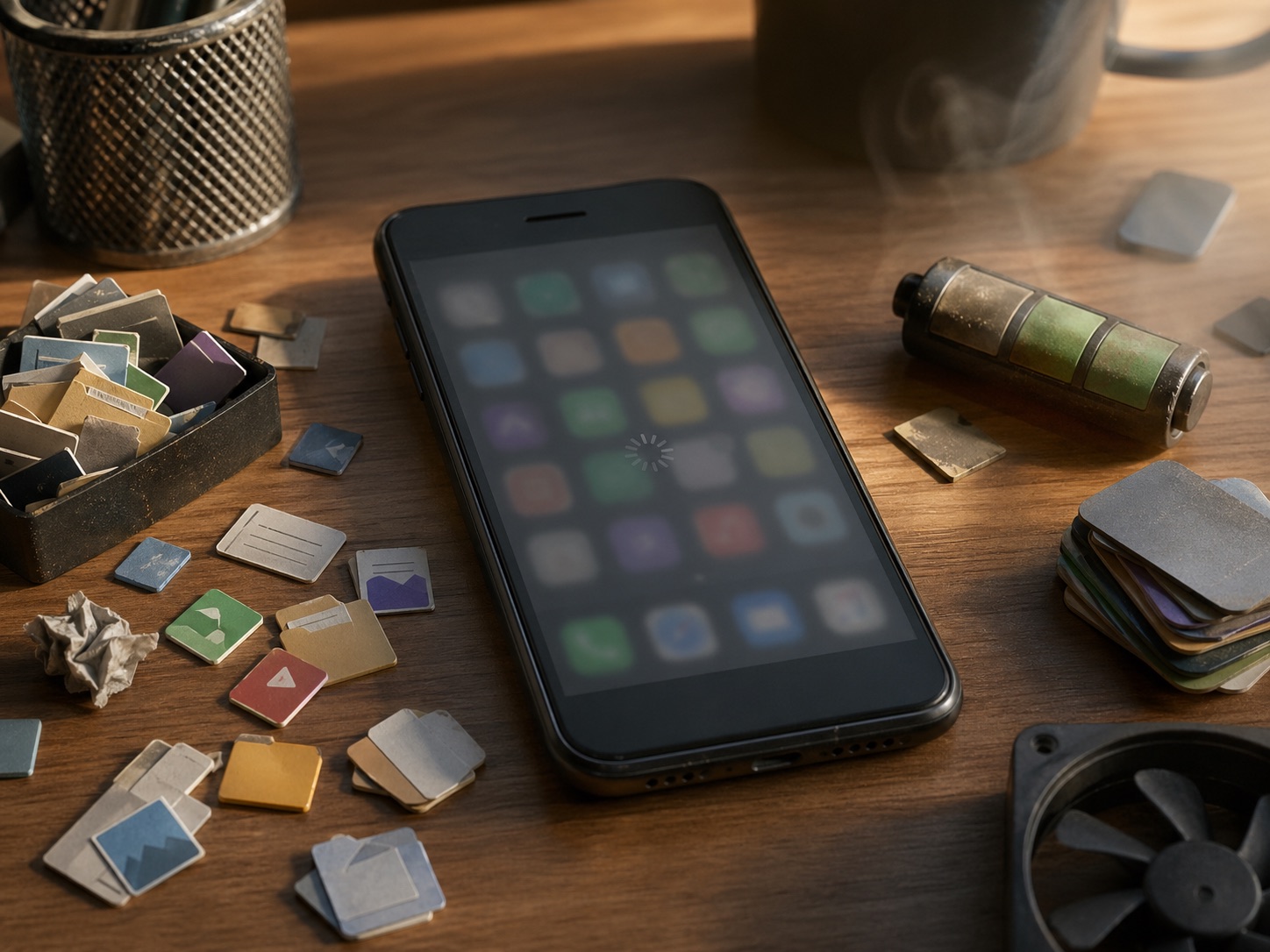
If your phone feels slower than it did when you bought it, you're not imagining it, and Apple isn't slowing it down on purpose to sell you the next one. The real reasons are mundane, mostly fixable, and a lot more interesting than the conspiracy theory.
Here are the four actual causes of phone slowdown, in rough order of impact.
Cause 1, Battery wear is throttling your CPU
This is the big one, and it's the source of the "Apple slows down old iPhones" lawsuit from 2017, except Apple was actually doing the right thing.
What's happening
A lithium-ion battery loses capacity over time. After two years of daily charging, a typical phone battery sits at 80-85% of its original capacity. That's expected.
But it's not just capacity that drops. As cells age, their internal resistance rises. When the CPU spikes (opening an app, loading a webpage), the worn battery can't deliver the burst of current the chip wants. Voltage sags, the phone restarts, and the user is furious.
To prevent the restart, modern phones throttle the CPU when battery wear is detected. The phone literally runs slower to avoid crashing. This is good engineering, badly communicated.
How to fix it
Replace the battery. On a phone that's hit 80% health or below, an authorized battery swap costs 8,000-15,000 DZD depending on the model and fully restores original CPU performance. We've seen 3-year-old iPhones go from "almost unusable" to "feels like new" after a battery alone.
Check your battery health: iOS goes to Settings → Battery → Battery Health. Android varies by manufacturer; AccuBattery (free) gives a reliable reading on any phone.
Cause 2, Storage is full or fragmented
A phone with 95% of its storage used is dramatically slower than the same phone at 50%.
What's happening
Modern flash storage relies on free blocks for write operations. When the drive is nearly full, the controller has to constantly relocate data, garbage-collect old cells, and manage wear. App opens slow. Photos save slower. The whole system feels sluggish.
Worse, low storage triggers OS-level cache eviction. The phone constantly re-loads things from storage that it would normally keep in RAM, and you feel every reload.
How to fix it
Get below 80% full. Specifically:
- Photos and videos, by far the biggest. Move them to cloud (Google Photos, iCloud) or a USB drive, then delete the local copies.
- App caches, apps like Chrome, Instagram, and Spotify accumulate gigabytes of cached data. Settings → Apps → individual app → Clear Cache (Android) or delete and reinstall (iOS).
- Old downloads, file manager → Downloads folder → audit aggressively.
- WhatsApp media, auto-downloaded videos from group chats are the silent killer. Settings → Storage and Data → manage.
Cause 3, Software bloat from updates
This one is real but smaller than people think.
What's happening
Each major OS update brings new features, new background services, new privacy tracking that has to run constantly. The hardware that was perfectly adequate for iOS 17 is being asked to run iOS 19 with all its new background work.
The chip didn't get slower. The job got bigger.
How to fix it
You can't undo OS updates without exotic firmware tricks that aren't worth it. But you can:
- Disable animations, both iOS and Android let you reduce motion. The phone runs the same speed but feels snappier because you're not waiting for transitions.
- Audit background apps, many apps register themselves to wake the phone periodically. Settings → Battery → Background activity. Anything you don't actively use, turn off.
- Skip the latest major update, if your phone is 4+ years old and on the borderline of supported, sometimes staying one OS version behind is the right call.
Cause 4, Network conditions, not the phone
You probably attribute this to the phone, but it's the network.
What's happening
5G in marginal coverage, congested LTE in city centers, weak Wi-Fi in apartment buildings, modern apps are heavily network-dependent. Instagram doesn't feel slow because Instagram is slow. It feels slow because the data is taking 4 seconds to arrive over a sketchy 4G signal.
The phone is responsive. The internet is the problem.
How to fix it
- Force LTE in marginal 5G areas, 5G fallback (NSA) constantly hunts for signal in areas where 5G coverage is incomplete. iOS: Settings → Cellular → Voice & Data → LTE. Android: similar path. You'll save battery and get smoother responses.
- Restart your router occasionally, yes, this is unsexy. Yes, it works.
- Switch DNS, Cloudflare's 1.1.1.1 app or
1.1.1.1/8.8.8.8in DNS settings often resolves websites faster than ISP defaults, especially on Algerian networks.
What to do this weekend
In order of impact, by hour spent:
- Check battery health → if below 85%, schedule a replacement (1 hour to research, 1 hour at the shop)
- Free storage to under 80% → move photos to cloud, delete WhatsApp media (30 min)
- Disable animations and background apps (10 min)
- Force LTE in your area if 5G is unreliable (5 min)
If you do all four and the phone still feels old, then it's time to look at Nestphones for a replacement. But most "slow phone" problems aren't really phone problems, and the fix is rarely buying a new one.


